How to Choose the Right Construction Estimating Software
A practical checklist for comparing estimating software: measurement sources, BOQ and rate structure, programming, tender output, AI and trial terms.
By Map Metra teamPublished 6 min read
Estimating software is a long-term choice: your rate libraries, templates and habits build up inside it. The best way to choose is to follow one real job from drawings to tender in each option you are considering, and to judge each step against how your business actually prices work.
1. Where do your quantities come from?
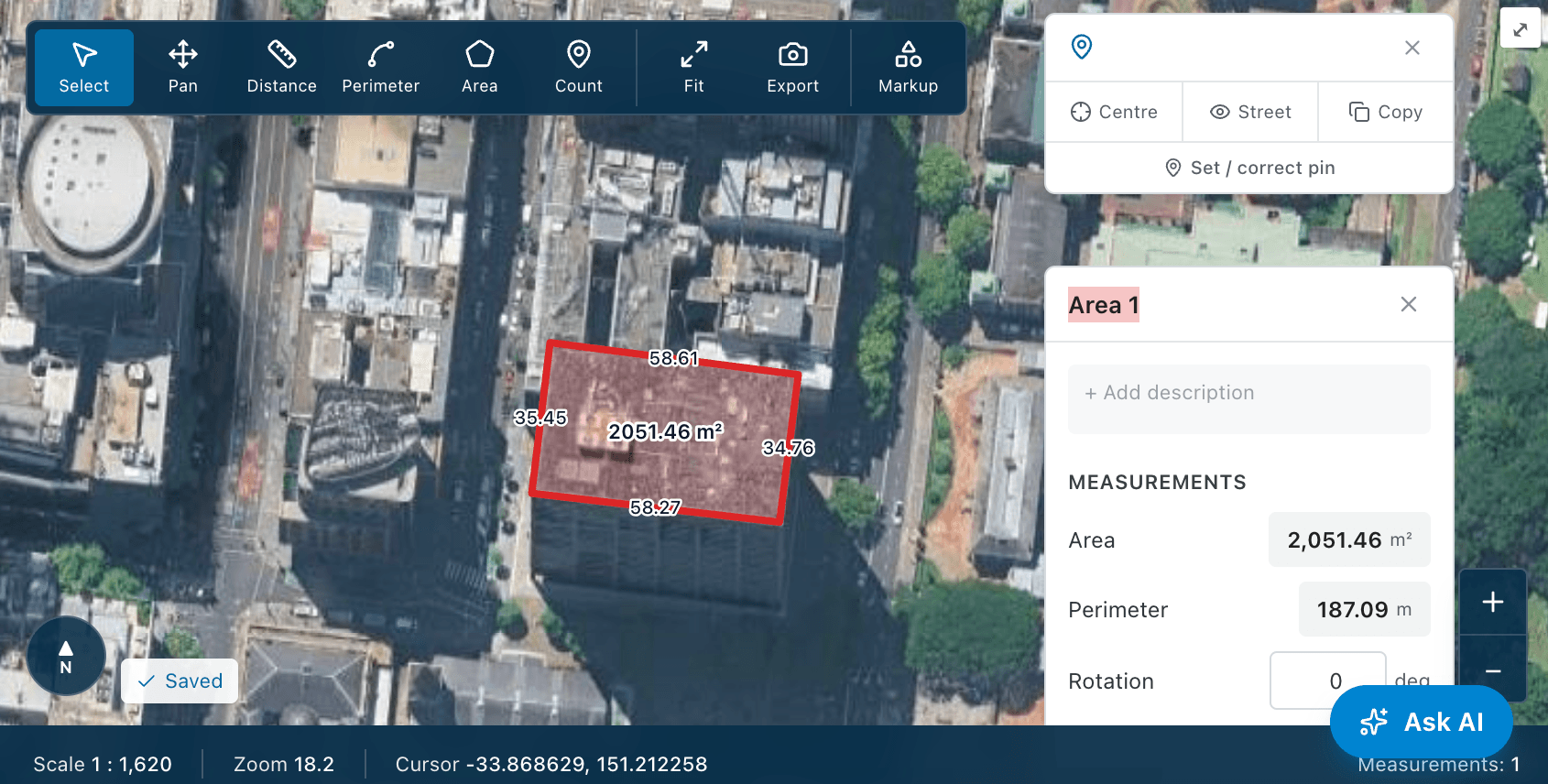
Check that the software measures from the sources you use. Most tools take off from PDF plans; fewer measure from aerial imagery, which is valuable for existing sites, landscaping, hardstand and roofs. Look at the measurement types you need — areas, lengths, counts, walls with heights, roof pitch, volumes — and how quickly repeated symbols can be counted.
2. Does measurement flow into pricing without re-entry?
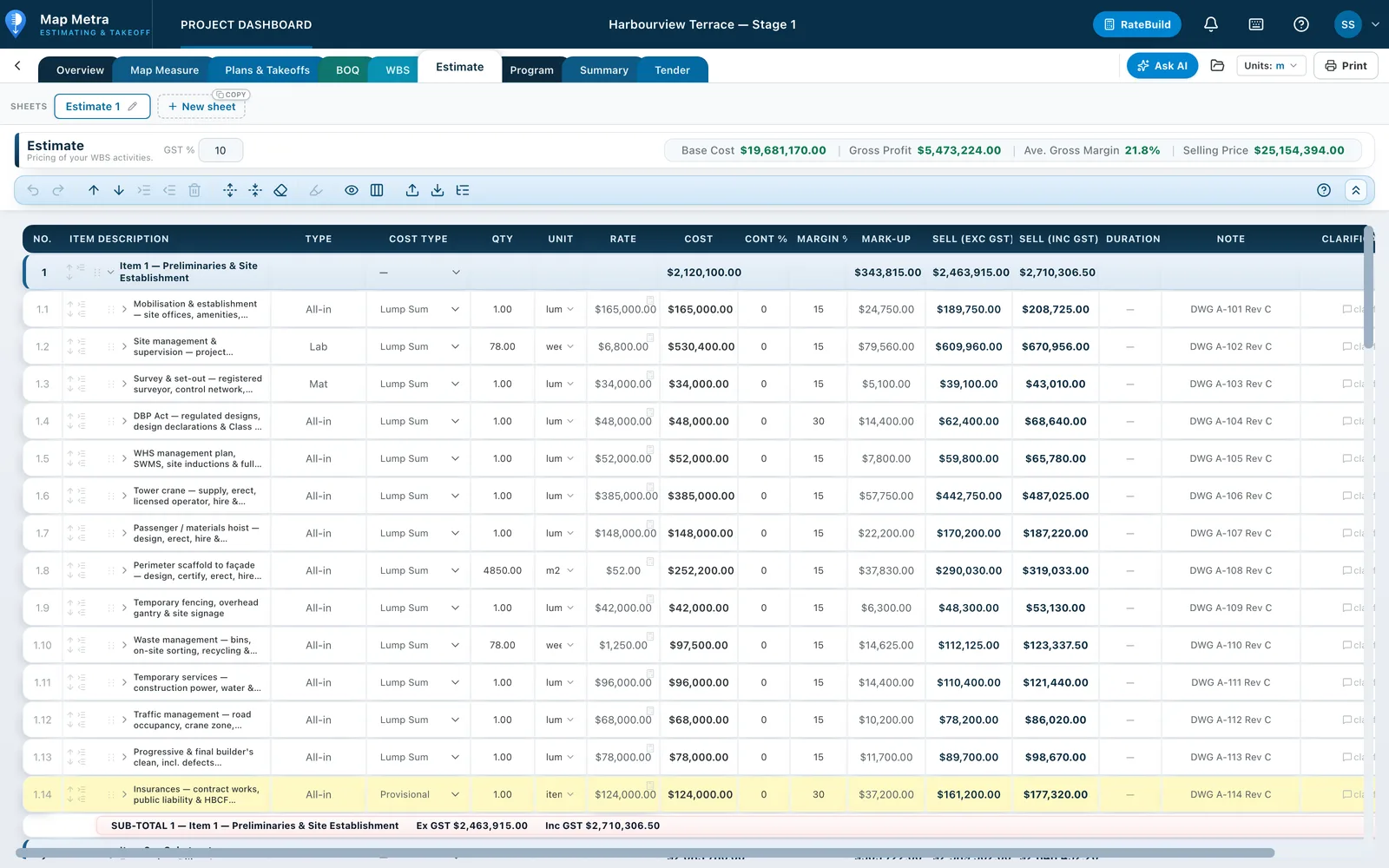
The biggest time loss in estimating is copying quantities between a takeoff tool and a spreadsheet. Look for measured quantities that flow into a Bill of Quantities and on into the priced estimate, and that update when the takeoff changes. Ask how revisions are handled when drawings are reissued.
3. How flexible is the cost structure?
- Can you organise the estimate by trade, element or a client's tender schedule?
- Can a line carry labour, material, equipment and subcontract components, plus waste, contingency and margin?
- Can you build reusable unit rates and apply them across projects?
- Does it handle provisional sums, prime cost items, exclusions and options outside the contract sum?
- Does it support your currency and tax settings?
4. Is programming connected to the estimate?
A program built from the same activities as the estimate keeps durations and time-related costs consistent and saves rebuilding the job in a separate scheduling tool. Check for dependencies, working calendars and a readable Gantt chart for the tender.
5. What does the client actually receive?
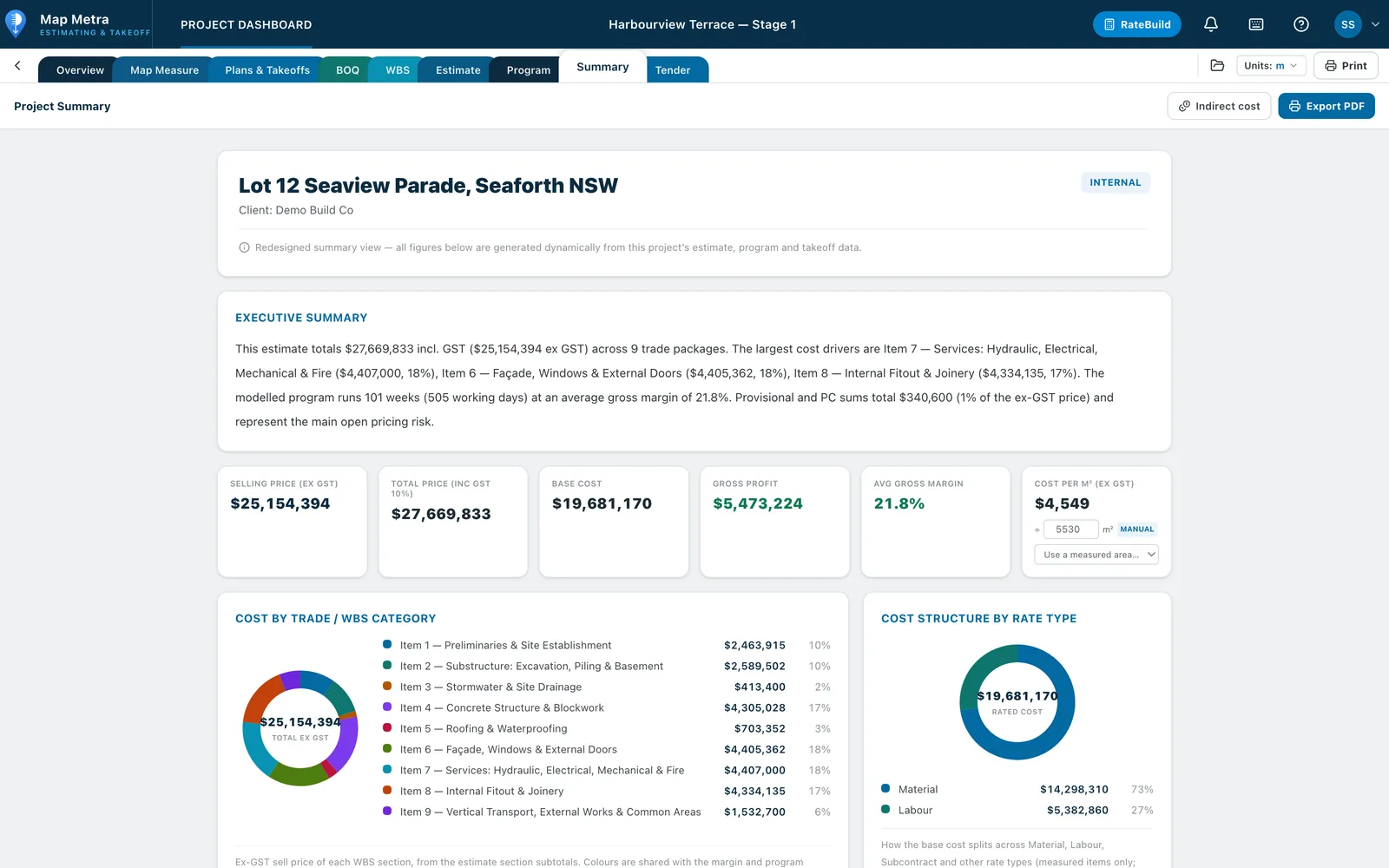
Your tender is the product your client sees. Look at the quality of the output: a priced breakdown at the level of detail you choose, clarifications, exclusions, program, company branding and insurances, exported to PDF and Excel.
6. How is AI used — and can you check it?
AI can remove a lot of setup work: naming and scaling drawings, drafting estimate structures from scope documents, counting symbols or drafting tender text. The important questions are whether its work lands as normal, editable project data, whether you can stop and undo it, and how AI usage is charged.
7. Practicalities
- Cloud or desktop, supported browsers and devices.
- Seats and pricing tiers — can you start with measurement only and add estimating later?
- Trial length and what you need to start one.
- Export formats and who owns your data.
Map Metra is built around this connected workflow — aerial and plan takeoff, BOQ, WBS and estimate, program, summary and tender in one project. You can compare its plans on the pricing section and start a free trial to test it on a live job.